




New member access screens

Member Access

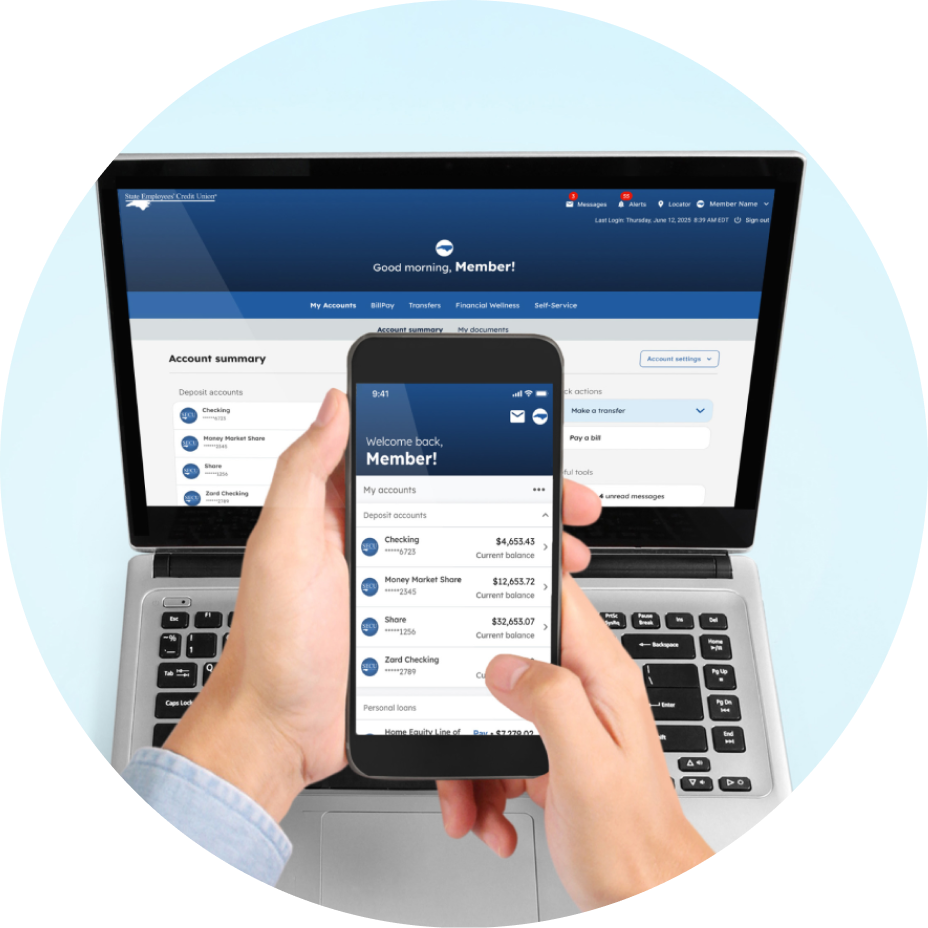
Member Access is your all-in-one platform for SECU account management. Sign in from your computer, tablet, or mobile phone to monitor account balances, transfer funds, manage your financial goals, and more.

Powerful tools for every screen

Man working on his account management

Streamlined account management

  • View all of your SECU accounts in one place, including fiduciary accounts.
  • Connect your account(s) from other banks to see a 360-degree financial picture.
  • Customize the visibility and order of your accounts.
  • Experience easy-to-read transaction descriptions and recognized merchant names when tracking your spending.

Person setting up payments

A smarter way to pay your bills

  • Use deliver-by-date scheduling to help ensure your payments arrive on time, every time.
  • Save time with Bill Discovery, an optional feature that automatically searches our large biller network and your credit report to find billers you may want to add.
  • Enjoy peace of mind knowing payment funds are guaranteed up front. No more waiting for checks to clear your account.
  • Request eBills to avoid clutter and receive bills electronically where you already manage your payments.

Person looking at phone to make transfers

More ways to move your money

  • Send funds to other members in real-time with our secure Member-to-Member transfer option — no third-party apps or extra data sharing required.
  • Schedule and manage your own one-time or recurring transfers between eligible SECU accounts, giving you complete control of your money movement.

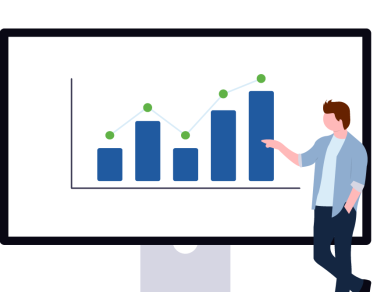
Man looking at financial wellness chart

Your financial health at a glance

  • Add your external accounts and see a 360-degree view of your financial health and net worth in one centralized place.
  • Organize your transactions into editable categories and easily see where your money goes.
  • Set personal spending goals and track your progress in real-time.
  • View your transaction history by category or date across all your connected accounts.

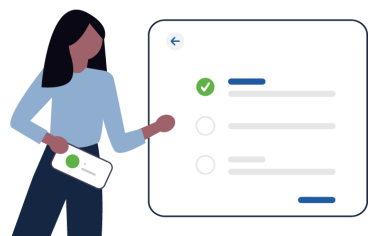
Person managing list of self-service items

Enhanced self-service tools at your fingertips

  • Activate, lock, unlock, or replace your cards all from one secure dashboard.
  • Submit stop payment and dispute requests, address changes, e-statement1 preferences, and more.
  • Connect with support through real-time chat, follow step-by-step demos in our How-To Guide Library, or reach out to us directly through our Contact Us page.
mobile phone with member access

Member Access at your fingertips

Use the SECU App for the same secure Member Access experience you trust online, plus these mobile-only features:

Quick view at your accounts

Check your account balances in seconds.

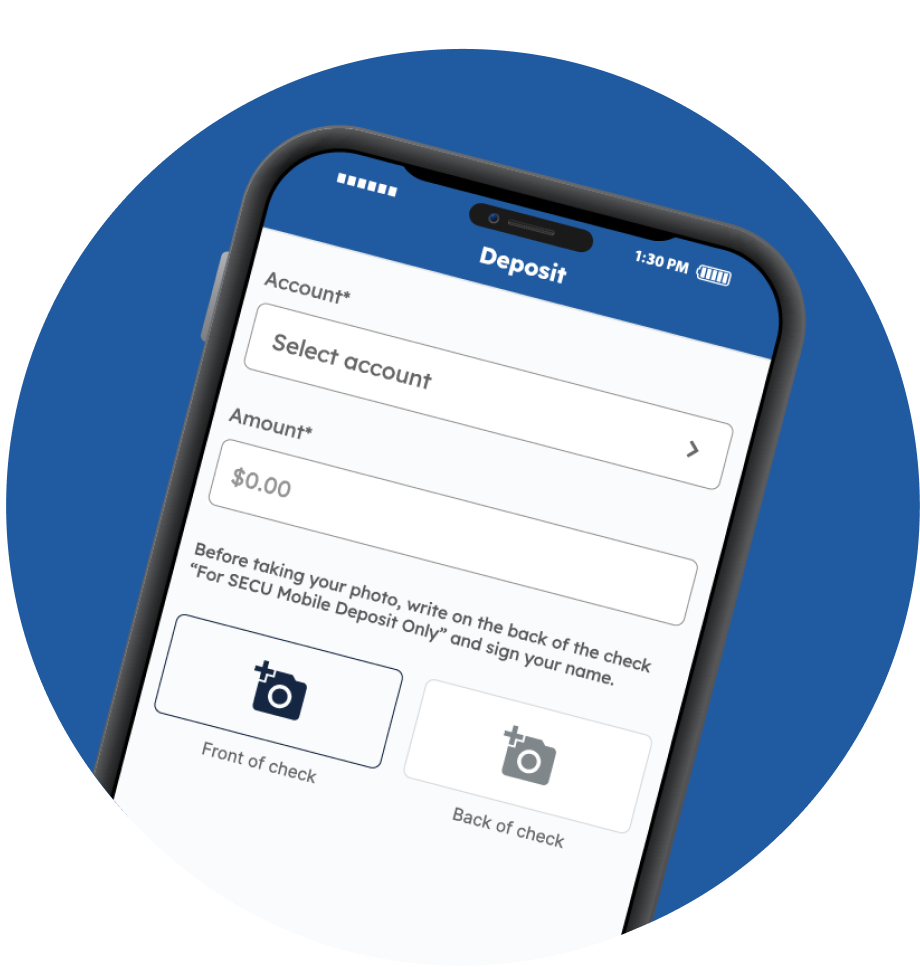
Mobile Check Deposit

Deposit checks conveniently and securely into eligible SECU accounts.2

Real-time alerts

Stay informed with push notifications for all alert types.

Biometric authentication

Protect your access with face ID or a fingerprint for the fastest and most secure way to sign in.

Personalized Alerts

Tailor your experience with more than 40 alert options and expanded delivery channels, including SMS (text) message, email, your secure Alerts inbox, or mobile push notifications.

Computer graphic

Secure access through multi-factor authentication

To protect your personal information, Member Access uses a two-step identity verification process called multi-factor authentication (MFA). This standard security measure requires your credentials and a one-time passcode to help ensure only you can access your account.

Frequently asked questions about Member Access

Member Access can be accessed online or through the SECU App with a mobile device or tablet.

At the Member Access sign-in screen, select “Forgot password” and follow the prompts to update your password. To reset your username, you must contact Member Services Support at (888) 732-8562.

To ensure your information stays secure and the mobile app runs smoothly, we recommend using the most recent version of your phone's operating system.
The SECU App supports:

  • Apple (iOS): 17, 18, 26
  • Android: 11, 12, 13, 14, 15, 16

Availability may vary as Play Store updates roll out across devices. If your device no longer receives software updates from Apple or Google, you may experience issues. For the best experience, keep your device's software up to date. If your device’s operating system is not compatible, please sign in to Member Access using your device's mobile web browser or a personal computer.

To keep your data secure and ensure the best performance, we recommend using the latest version of Microsoft Edge or Chrome. Using an outdated browser may limit certain features.

You may contact Member Services Support, our 24/7 member helpline, at (888) 732-8562 for assistance.